Engines and keys
Choose the AI that writes your notes, set the order Furrget tries them in, and manage keys.
Furrget does not sell you a model. It uses an engine you already have.
Built-in engines
| Engine | Ready when | Sends text to |
|---|---|---|
| Command Code | Its key is set in Settings › Keys | Command Code |
| Claude Code | The Claude Code CLI is installed and signed in | Anthropic, through Claude Code |
| Codex | The Codex CLI is installed and signed in | OpenAI, through Codex |
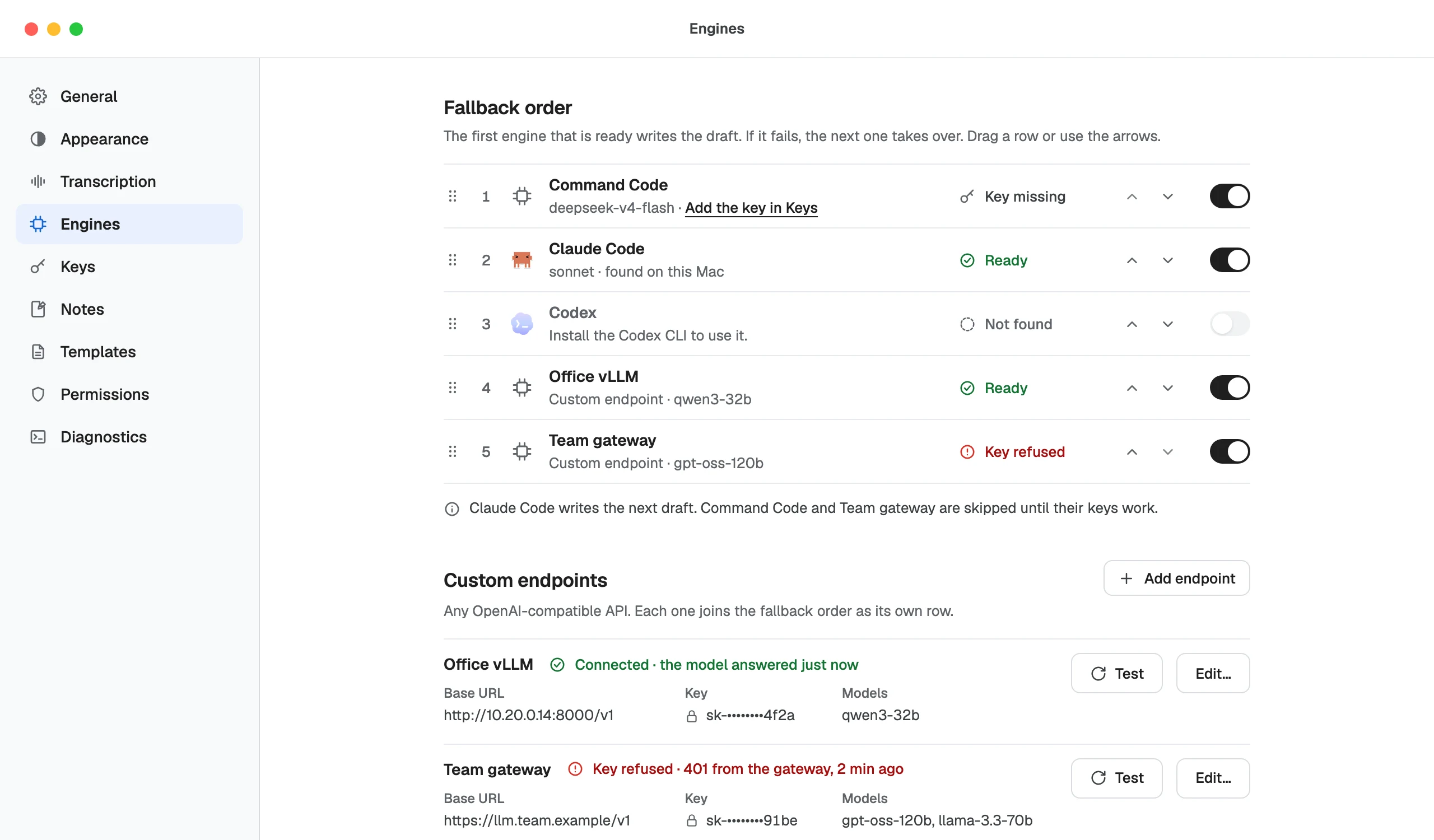
Settings › Engines shows each one as Ready or Not found, with what is missing. One ready engine is enough.
Fallback order
The first ready engine in the list writes the draft. If it fails, the next one takes over. Drag a row, or use the arrows, to change the order. Ask is different: it uses only the model you pick.
Custom endpoints
Add any OpenAI-compatible API as a custom endpoint; each joins the fallback order as its own row and has its own key. Use https:// for any address. Plain http:// works only for this computer (localhost, 127.0.0.1 or ::1).
A localhost endpoint, such as a model served by Ollama or LM Studio, counts as an engine on your computer. It is the engine Confidential meetings can use.
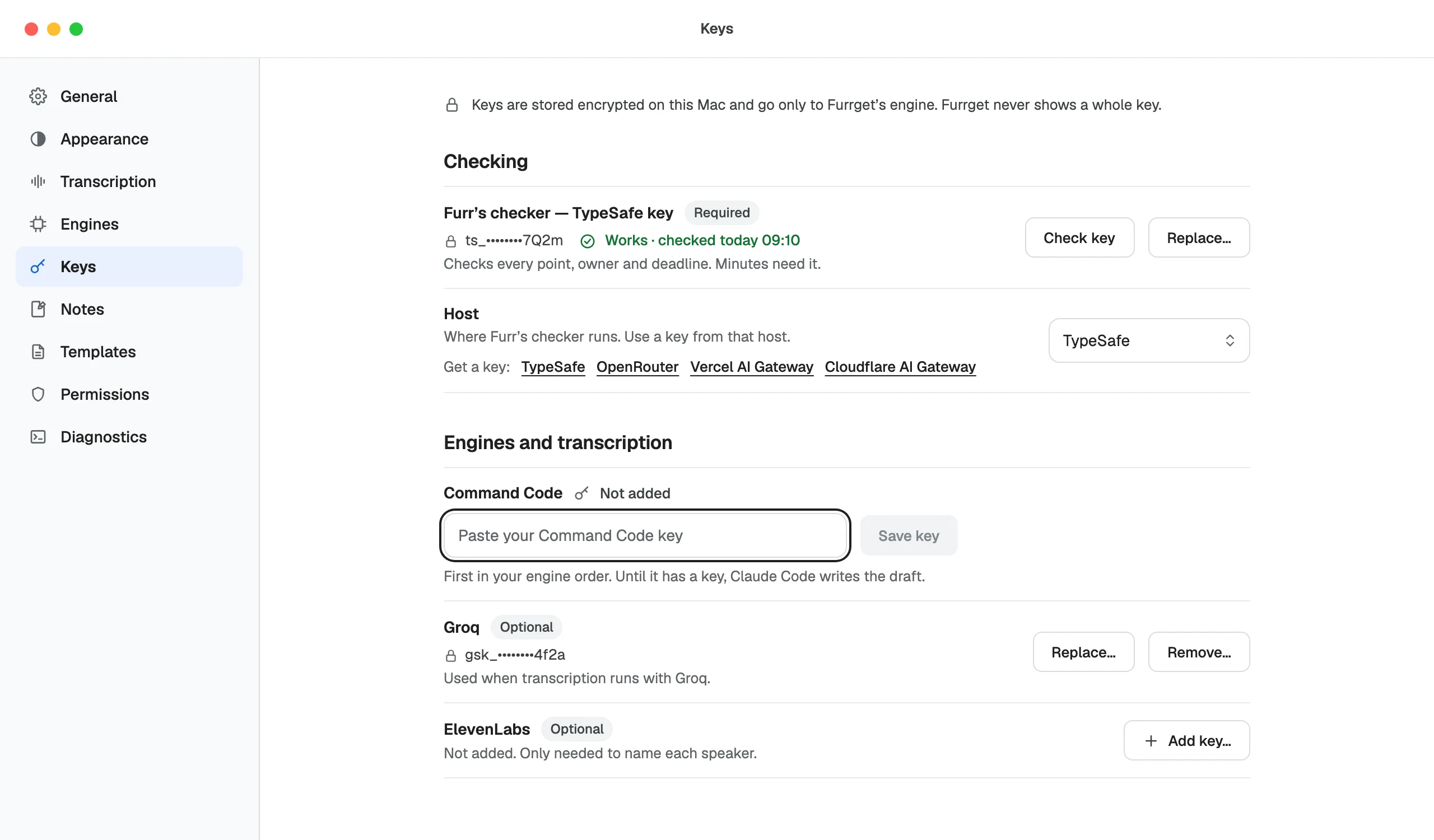
Keys
Settings › Keys holds:
- Furr’s checker, required, for the checking service: TypeSafe, OpenRouter, Vercel AI Gateway or Cloudflare AI Gateway.
- Groq, for cloud transcription.
- ElevenLabs, optional.
Keys are stored encrypted on your computer and go only to Furrget’s engine. Furrget never shows a whole key. If your computer’s secure storage changed, Furrget asks you to Enter again.